


Turn Your PC into a Portable HDD Super Console
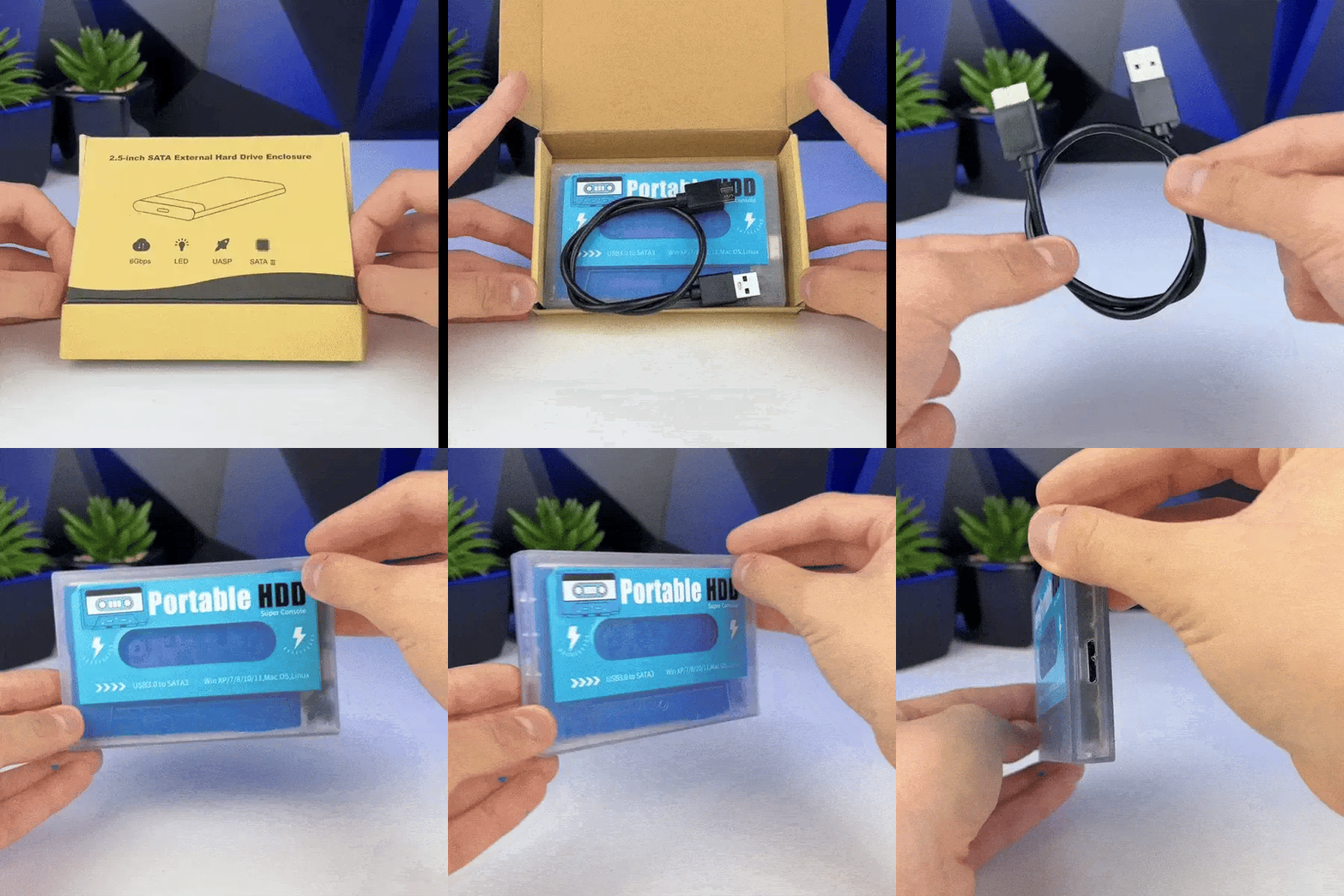
Unlock the full potential of your PC or Laptop with the 2Bluebox Portable HDD Super Console. This isn't just a hard drive; it's a complete retro gaming system in your pocket.
If you are looking for the ultimate portable HDD console experience without buying expensive new hardware, this is your solution.
Why Choose Our Super Console HDD?
The Ultimate "Super Console" Experience: Boot directly into a stunning gaming interface (Batocera/RetroBat) that organizes thousands of games with beautiful artwork and video previews.
Plug & Play Simplicity: No technical skills needed. Just connect the portable HDD gaming console to your USB port, boot up, and play.
Massive Retro Library: Pre-loaded with the best collections from the 80s and 90s (NES, SNES, Sega, Arcade, PS1). We curate quality over quantity.
Local Aussie Stock: Don't wait weeks for overseas shipping. Get your portable HDD super console fast from our Australian warehouse with local warranty and support.
Compatibility: Works with most modern Windows PCs, Laptops, and handheld PCs (like ROG Ally, Steam Deck) supporting USB boot.
-
2Bluebox Portable HDD Super Console Batocera
Regular price $64.99Regular price $64.99 Sale priceUnit price per$99.9935%

-

Free Shipping Worldwide. Tracked (5-10 Days)
-

Real-Time Tracking (24/7) to your Inbox
-

30-Day Money-Back Guarantee. No Hassle
-

Quick Human Support: Reply within 1 Hours


Frequently Asked Questions

How do I use the Portable HDD Super Console? Is it hard to set up?

How do I use the Portable HDD Super Console? Is it hard to set up?
Not at all! We designed this as a true Plug & Play system. You don't need to install any drivers or software inside Windows.
Step 1: Plug the HDD into your PC/Laptop USB port.
Step 2: Restart your computer and press the Boot Menu key (usually F12, F11, or Esc depending on your brand).
Step 3: Select the USB Drive to boot.That’s it! The Super Console interface will load up instantly, ready for you to play.
Will this HDD affect my Windows files or slow down my PC?
Will this HDD affect my Windows files or slow down my PC?
Absolutely not. The 2Bluebox Portable HDD runs on its own independent operating system (based on Batocera/RetroBat). It does not touch your internal hard drive, Windows OS, or personal files. When you are done playing, just shut down, unplug the drive, and your PC returns to normal.
What PC specs do I need? Will it work on my old laptop?
What PC specs do I need? Will it work on my old laptop?
Since we focus on Classic Retro Gaming (NES, SNES, Arcade, PS1, PSP...), you do not need a high-end gaming PC.
Any standard PC or Laptop (Intel/AMD processor) produced in the last 5-10 years will run these games perfectly. It effectively turns your old, slow laptop into a powerful arcade machine.
Does it include modern games like PS4 or GTA V?
Does it include modern games like PS4 or GTA V?
No. This collection is dedicated to the Golden Age of Retro Gaming. We prioritize stability and nostalgia over heavy modern graphics. The HDD is packed with thousands of classics from the 8-bit, 16-bit, and 32-bit eras, ensuring they run smoothly without requiring an expensive graphics card.
Can I use my own controllers?
Can I use my own controllers?
Yes! The system is compatible with most standard USB controllers, including Xbox wired controllers, PlayStation controllers, and generic PC gamepads. However, for the best "hassle-free" experience, we recommend using the wireless controllers available in our bundles.
Why buy from 2Bluebox Australia instead of overseas?
Why buy from 2Bluebox Australia instead of overseas?
Buying a Portable HDD Super Console from overseas often means waiting weeks for shipping and zero support if you get stuck in the Boot Menu. We are based in Australia, offering fast shipping and a local support team to guide you through the setup if you need help.