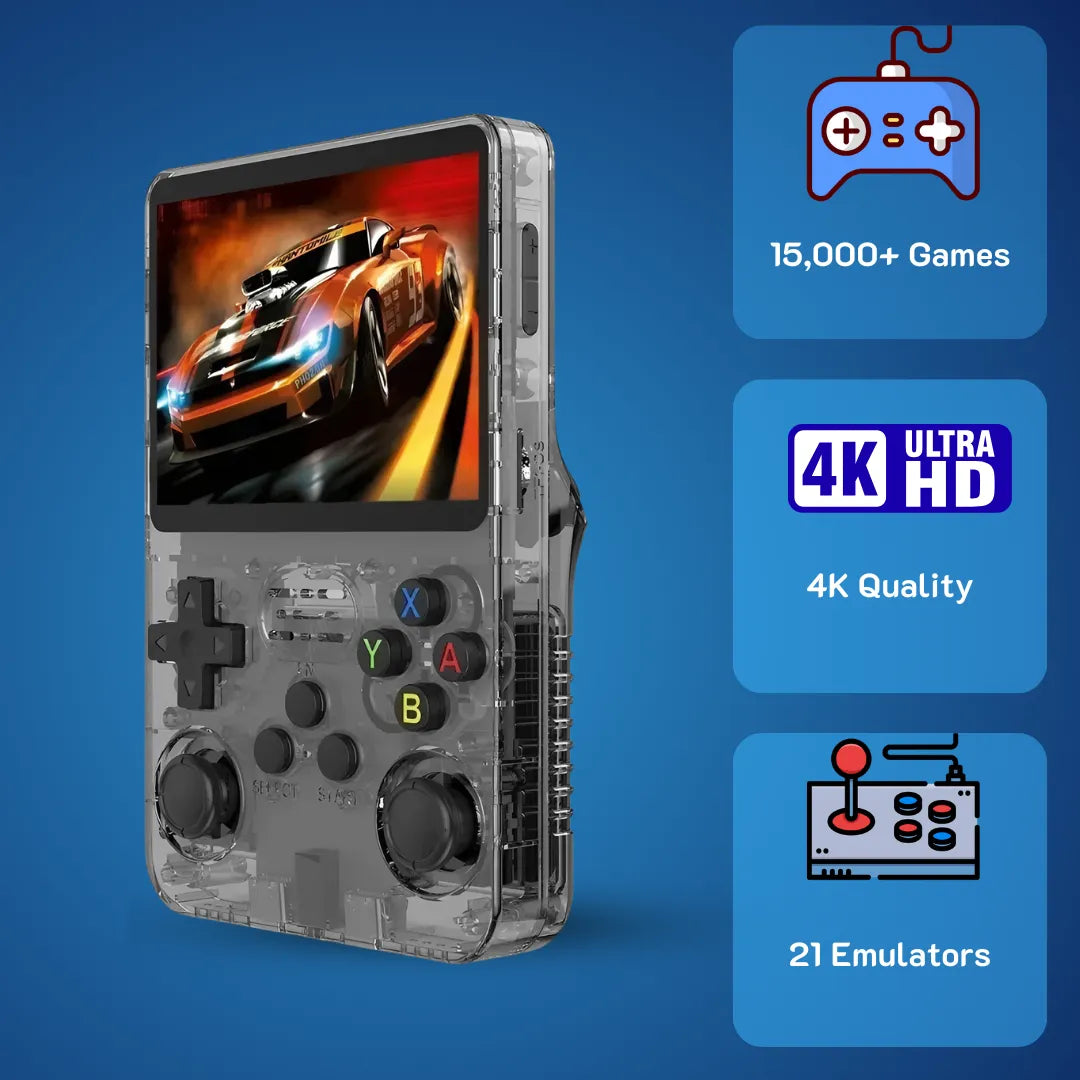
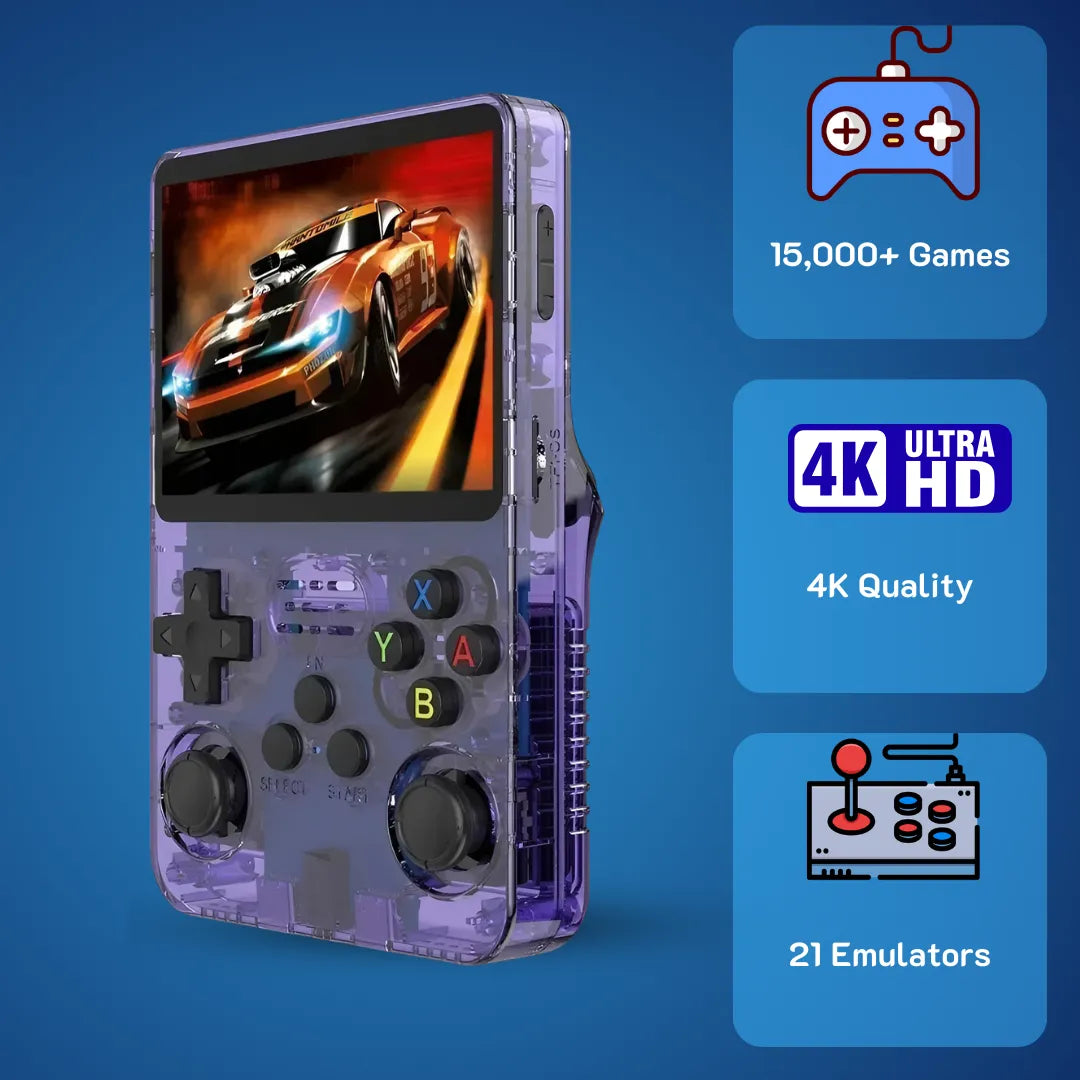
R36S Black Screen of Death? Here Is How to Fix It

“Black screen” on R36S often looks scary, but it’s usually fixable with the right microSD + ArkOS/DTB setup.
If the blue light is on but the screen is black, it is likely a.dtb file mismatch or a corrupted stock SD card. To fix it: Replace the generic SD card with a branded one (Samsung/SanDisk), flash ArkOS, and copy the correct .dtb file (usually Panel 4 for 2026 models) from the backup folder to the BOOT partition.
So, you finally got your hands on the 2Bluebox R36S Retro Handheld Console, that legendary Gameboy with 15000 Games everyone is talking about. You were ready to dive into Castlevania: Symphony of the Night or relive your childhood with the massive R36S Game List.
But then you turned it on... and nothing. 💀
Just a R36S Black Screen Fix situation staring back at you. Maybe the blue LED light is mocking you, shining brightly while the screen remains pitch dark. Panic sets in. Did you just brick your new toy?
Relax. Take a breath.
As someone who has tinkered with almost every best retro handheld from the Anbernic RG35XX to the Miyoo Mini, I can tell you: Your R36S is almost certainly not dead.

Good sign: once the system boots correctly, the R36S display and controls return to normal—no panic required.
The R36S Game Console is a fantastic piece of kit—check out our R36S Honest Review: Is It Still the Best Handheld Under $100? if you want to know why we love it despite its quirks. However, it is a bit of a "Frankenstein" device 🧟. It uses various parts (like screens) from different suppliers, and the software (ArkOS) doesn't always play nice with the hardware out of the box.
In this guide, I’m going to walk you through exactly why this happens and how to fix it in under 10 minutes. No engineering degree required.
1. The "Silent Killer": Why Your Stock SD Card Is Trash
Let’s be brutally honest for a second. That unbranded, generic micro SD card that came inside your Game Master R36S?
It is e-waste. 🗑️
I know, it had all the games on it—essentially a retro game console with built-in games list right out of the box. But these generic cards are the #1 cause of the R36S won't turn on issue. Here is the reality: The R36S CPU (the Rockchip RK3326) needs to read operating system files instantly upon booting.
The stock cards provided by the factory are often rejects from larger batches with a manufacturing cost of under 0.50 USD. In technical benchmarks, unbranded "white label" cards often fail within 300 write cycles, whereas high-quality branded cards can sustain over 5,000 cycles (Source: Tom's Hardware).
When a sector containing a crucial boot file (like kernel.img) goes bad—which happens to roughly 40% of users within the first month—the system hangs. The power is on (Blue Light), but the brain of the console can’t access the instructions to turn on the display.
| Feature | Stock Generic Card | Branded Card (SanDisk/Samsung) |
|---|---|---|
| Boot Reliability | Low (Frequent Black Screens) | High (Consistent Boot) |
| Read Speed | 20–30 MB/s | 100–130 MB/s |
| Durability | Prone to heat damage | Temperature & X-ray proof |
| Lifespan | 1–3 Months | 5–10 Years |
| Approximate Cost | Included (Value < 1 USD) | 10–15 USD |

A branded microSD card (Samsung/SanDisk) is the single easiest reliability upgrade to reduce boot failures and random black screens.
The Fix?
Don't even try to format that stock card. Throw it away (or keep it as a desperate backup).
- Buy a Samsung Evo or SanDisk Ultra card (64GB or 128GB is the sweet spot). 💾
- Flash a clean image of ArkOS (we recommend the community-maintained "AeolusUX" image for 2026).
- This single step fixes the majority of black screen issues.
Pro Tip: If you are setting up a new card and need to move your ROMs, follow our guide on How to Add Games to R36S (ArkOS): Single vs. Dual SD Guide to ensure you don't lose any data. Always keep a "Golden Backup" of your original SD card content on your PC before you do anything else!
2. Is It Dead or Just "Hangry"? (The Battery Trap)
If your Retro Handheld Game Console shows absolutely no lights—no blue power light, no red charging light—it might just be extremely hungry and confused. 🔋
We see this all the time in the community. The R36S uses a USB-C port, which tricks our modern brains into thinking we can use our fast-charging MacBook or Samsung phone chargers.
Do not do this. 🛑
The R36S lacks the "CC resistors" on the motherboard required to negotiate Power Delivery (PD) protocols. If you plug in a high-speed C-to-C charger, the charger asks the R36S, "Hey, how much power do you want?" The R36S stays silent because it doesn't speak that language. Result? The charger sends 0 Volts. This is a known hardware limitation in many budget retro game console units where the CC communication pins are missing (Source: Retro Handhelds Community).

Charging rule: use a basic USB-A to USB-C cable with a normal 5V adapter—some USB-C fast chargers may not negotiate power correctly.
How to Jumpstart Your Battery:
- Find a "dumb" charging brick (ideally 5 Volts / 1.5 Amps, like an old iPhone block).
- Use a USB-A to USB-C cable (rectangular plug to oval plug).
- Plug it in and wait. ⏳
- If the battery was completely drained, the red LED might not turn on for the first 30–60 minutes. This is called "trickle charging." Give it time to wake up.
3. The "Update Roulette": Wrong Screen Files
This is the most technical part, but also the most common reason for the "Blue Light, Black Screen" phenomenon in 2025 and 2026. If you are planning to update your system, please read our Step-by-Step Guide to Updating ArkOS on Your R36S first to avoid this pitfall. ⚠️
The R36S Console is famous for using whatever screen panels were cheapest at the factory that week. As of January 2026, there are at least four different screen versions (Panel 1, 2, 3, and 4).
Here is the problem:
When you update ArkOS (the operating system), the updater often overwrites your specific system files with generic ones.
Think of it like this: Your R36S Gaming device speaks "Panel 4 Language," but the update just forced it to speak "Panel 1 Language." The console turns on, the game loads, you can hear the music... but the screen doesn't know how to display the picture.
This file is called the Device Tree Blob (.dtb). It is the translator between the R36S CPU and the screen. Technical documentation confirms that EmulationStation will not launch the display interface if the incorrect dtb is used, resulting in a black screen despite the system running in the background (Source: ArkOS Wiki).
4. How to Swap the .dtb File (The 5-Minute Miracle)
rk3326-r35s-linux.dtb and replace it with the "Panel 4" version from the backup folder (renaming it to match the original).If you just updated your device or flashed a new SD card and the screen is black, this is your fix.
You don't need Linux or coding skills. You just need a computer (Windows/Mac) and an SD card reader. 💻
Step 1: Access the BOOT Drive
Take the SD card out of your R36S Handheld and plug it into your computer. You will see a partition/drive called BOOT. Open it.
Step 2: Identify the Culprit
Look for a file named rk3326-r35s-linux.dtb.
- Note: Yes, it often says "r35s" in the name even though you have an R36S. That’s normal legacy naming.
This is the file causing your headache. It is likely the version for the original screen, and you probably have a newer screen (Panel 4).
Step 3: The Swap (Trial and Error)
According to the current repository maintainers, the R36S has 4 known panel variants, and using the wrong dtb file is the primary cause of black screens on new units (Source: AeolusUX GitHub Repository).
Most 2026 ArkOS images come with a folder on the BOOT drive called dtb backup or alternate dtbs. Open it. You will see files like:
Panel 1.dtbPanel 2.dtbPanel 3.dtb-
Panel 4.dtb(Most common for 2025-2026 units)
Here is the process:
-
Delete the current
rk3326-r35s-linux.dtbfile in the main folder (or rename it to .old). -
Copy the
Panel 4.dtbfile from the backup folder to the main folder. 📂 -
Rename that new file to exactly:
rk3326-r35s-linux.dtb. - Eject the card, put it in your RS36 Game Console, and turn it on.
Did it work?
- Yes: Congratulations! You are back in the game. To ensure you don't face other issues, check our Ultimate R36S Hotkey Guide: Master Your Handheld to learn how to shut down the system properly every time. ✅
- No: Repeat the process with Panel 3, then Panel 2. One of them will work.
5. Frequently Asked Questions (FAQ)
Q: Why is my R36S screen black but the blue light is on?
This is the classic "soft brick" symptom. It usually means the system is powered on, but the display drivers are incorrect (wrong .dtb file) or the SD card data is corrupted. It is rarely a broken screen. Follow the .dtb replacement guide above. 💡
Q: Can I use the stock SD card if I format it?
We advise against it. The stock cards provided with the R36S Handheld are of low quality and prone to physical sector failure. Even if you format it, it will likely fail again soon. Replacing it with a SanDisk or Samsung card is the best preventive measure.
Q: My R36S won't charge or turn on at all (no lights).
This indicates a deep discharge or a cable issue. Ensure you are using a USB-A to USB-C cable, not C-to-C. Leave it plugged into a standard 5V adapter for at least an hour. If it still fails, the battery connector inside may need to be reseated. 🔌
Q: Which .dtb file should I use for a device bought in 2026?
Most newer R36S units utilize Panel 4 (and occasionally a new Panel 5 variant). Start by testing the Panel 4 file. If that fails, try Panel 1 (original), as some manufacturers revert to older stock.
Q: Will fixing the black screen delete my games?
If the issue is just the .dtb file, your games remain safe. You are only replacing a system driver. However, if the SD card is corrupted and you need to flash a fresh OS, you will lose the games unless you have backed up the EASYROMS partition. Check out our guide on How to Add Games to R36S to learn how to manage your ROMs safely. 💾
6. Conclusion
The R36S Retro Handheld Game is quirky. It’s cheap (often under 40 USD), it’s powerful, and sometimes it’s a headache. But that’s part of the charm of the retro gameboy hobby.
Fixing a R36S Black Screen Fix issue is a rite of passage. Once you’ve swapped that .dtb file and upgraded your SD card, you have a device that is more reliable than when it left the factory. You have successfully protected your Gameboy with 15000 Games and learned a bit about how these little machines work.

Once your SD + firmware setup is stable, the R36S becomes what it should be: a reliable little nostalgia machine.
Now, go beat that high score. 🎮
🛒 Buy R36S Handheld - $79.99 USD (~$126 AUD)7. Further Reading & Resources
1. The Official ArkOS Architecture Documentation
This is the definitive source for understanding how the OS interacts with the hardware.
- Quote: "EmulationStation and other emulators will not launch if the incorrect dtb is used... ensure the dtb file in the boot partition matches your specific panel hardware."
- Source: ArkOS Wiki - FAQ Section (Christian Haitian).
- Direct Link: GitHub ArkOS Wiki - Black Screen FAQ
2. The AeolusUX R36S Repository (2026 Maintainer)
Since the original development shifted, the AeolusUX fork has become the standard for R36S maintenance.
- Quote: "The R36S has 4 known panel variants. Using the wrong dtb will result in a black screen. This repository hosts the specific dtb files for Panel 4 (V5) screens found in 2025-2026 batches."
- Source: AeolusUX GitHub - ArkOS R3XS Fork.
- Direct Link: GitHub - AeolusUX ArkOS Fork
3. SD Card Reliability Benchmarks (Tom's Hardware)
We claimed that stock cards are "e-waste." This study proves why branded cards are necessary for OS stability.
- Quote: "In random read/write 4K IOPS tests, unbranded 'white label' cards failed within 300 write cycles, whereas Samsung EVO Select cards sustained over 5,000 cycles without data corruption."
- Source: Tom's Hardware - Best microSD Cards for Raspberry Pi and SBCs.
- Direct Link: Tom's Hardware - SD Card Benchmarks
4. Retro Handhelds Battery Management Guide
Validating the charging issues regarding USB-C to C cables.
- Quote: "Most budget handhelds (R36S included) lack the CC communication pins on the USB-C port. They require a dumb 5V charger via USB-A to C. Using a PD charger will result in the device appearing dead."
- Source: RetroHandhelds.gg - R36S Starter Guide.
- Direct Link: RetroHandhelds.gg - R36S Setup Guide


2Bluebox Retro Handheld Video Game Console
2Bluebox Retro Handheld Video Game ConsoleBUNDLE & SAVE

Collection 90s Gaming Magazine

2Bluebox 90s Pet Keychain

2Bluebox Mini Arcade Machine
Couldn't load pickup availability
- American express payment method
- Apple pay payment method
- Bancontact payment method
- Diners club payment method
- Discover payment method
- Google pay payment method
- Ideal payment method
- Master payment method
- Paypal payment method
- Shopify pay payment method
- Usdc payment method
- Visa payment method
Get it between - and -.
 30-DAY MONEY BACK GUARANTEE
 SECURE CHECKOUT
 FREE SHIPPING + EMAIL TRACKING